There are two ways you can access the room if your lock no longer has power:
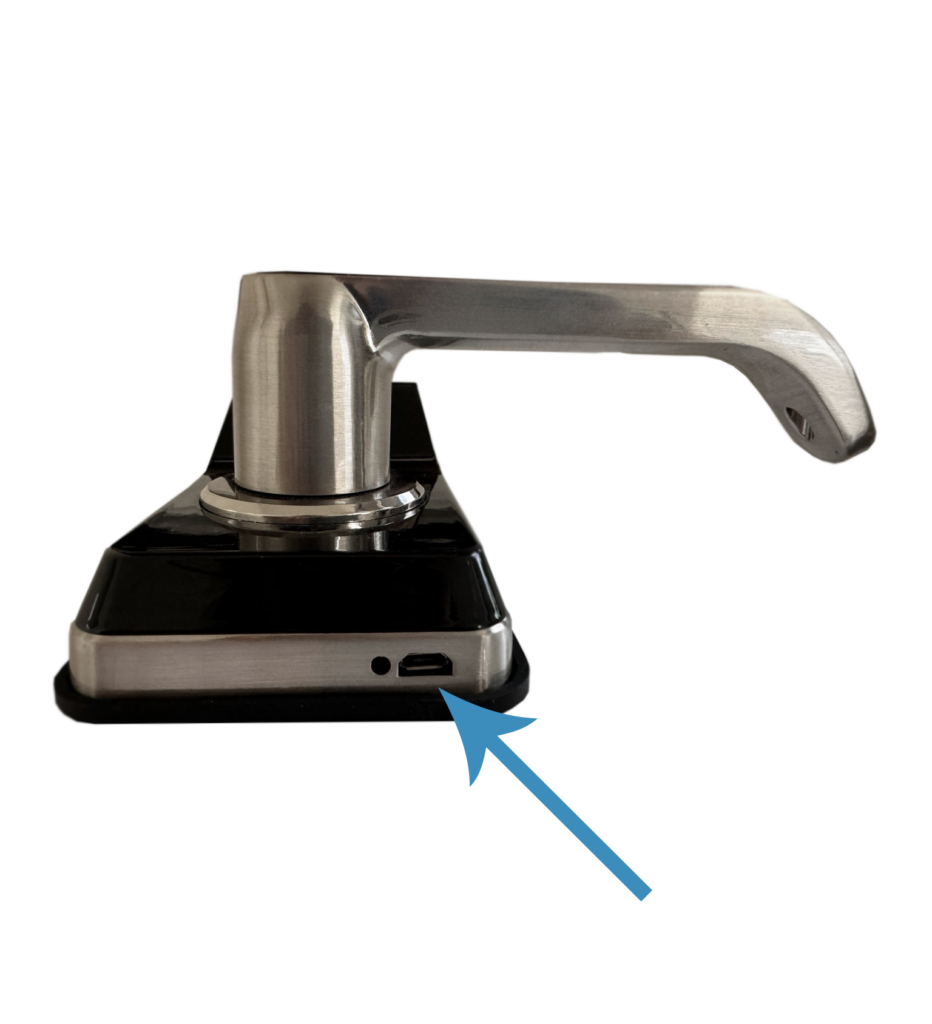
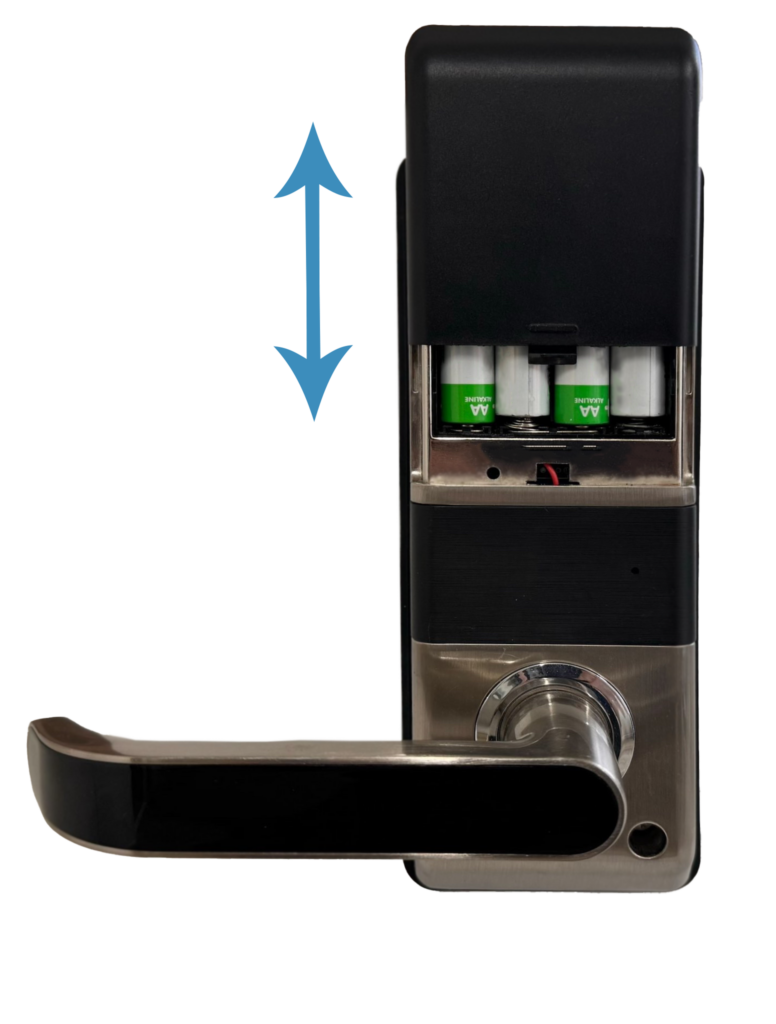
1. Underneath the front face of the lock, you will find a micro USB port. This allows you to connect a power bank to temporarily power the lock and gain entry. Once you’re inside the room, you can remove the battery cover and replace the batteries as needed. If you are using KASaccess or KAS Web Console make sure that you set the clock after every battery replacement.
You can use the physical key to gain entry into the room; this should only be considered a last resort, as the lock is not designed for regular access using the key. For guidance on how to properly use the physical key, please refer to the video below: