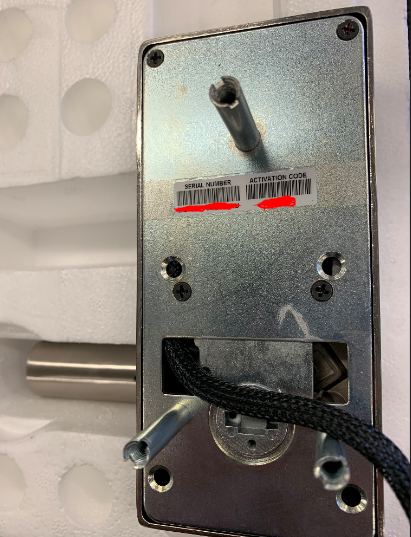
Know your Handle orientation
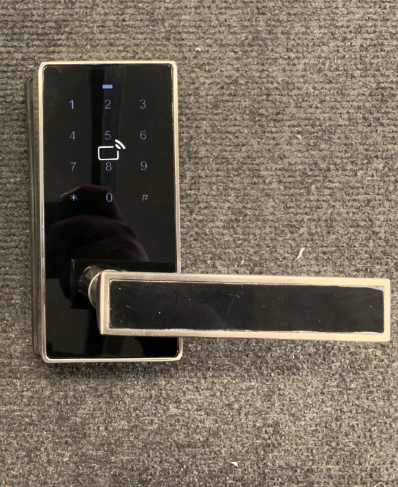
Refer to the picture below and see if you have a left handle lock or a right handle lock
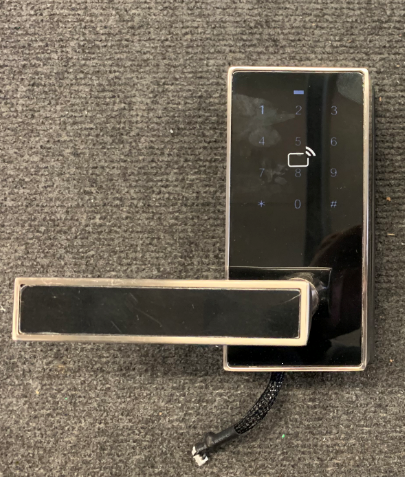
LEFT
RIGHT
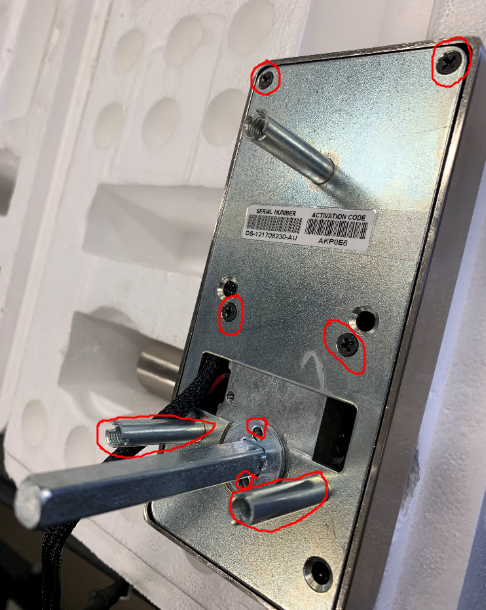
Unscrewing
unscrew the screws marked on the picture below.
Unplug the Motor
Gently unplug the motor from the main PCB
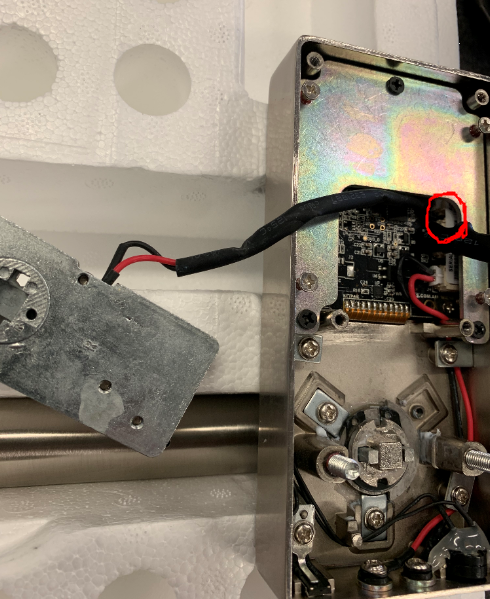
Plug back the new Motor
Plug back the new motor into the same slot where you remove the old motor from.
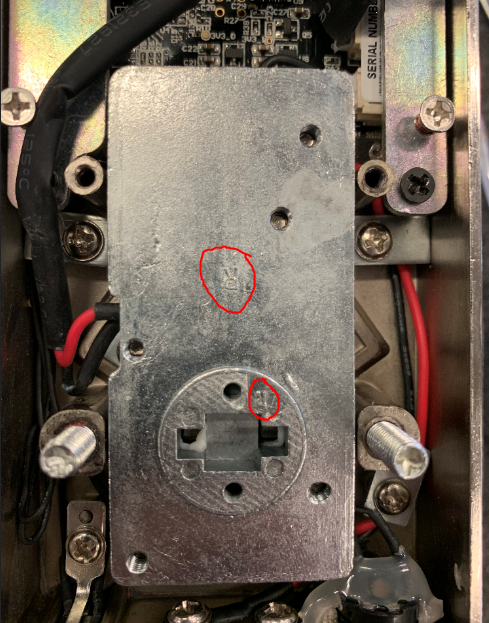
RIght or Left Motor
Similar to the handle orientation motor has 2 sides left and right. Put the motor back facing the R or L symbol if you have a right or left handle respectively ( See picture below)
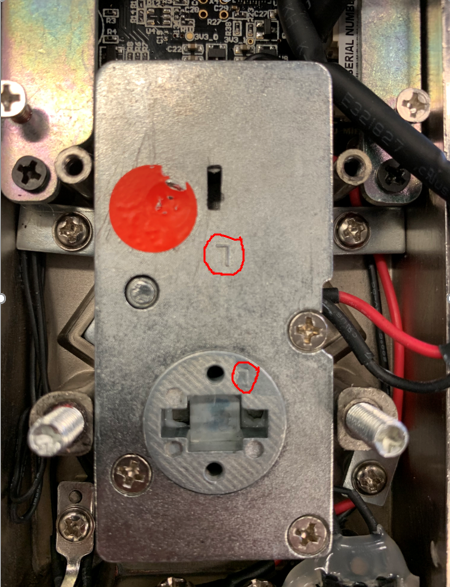
LEFT HANDLE
RIGHT HANDLE
Screw back the back plate
Screw back all the screws to the back plate