
Back to knowledgebase

Disable the Virtual Store on Windows PC

Step # 1 Download the file Click Here Step # 2 Open the downloaded folder and double click on "gpedit-enabler" and follow the prompt Step # 3 Now right Click on windows icon and click "Run" Step # 4 Type "secpol.msc" and press ok Step # 5 On the left ...
Popular searches

Browse by area

Browse by product

Popular intents

Step # 1

Download the file Click Here

Step # 2

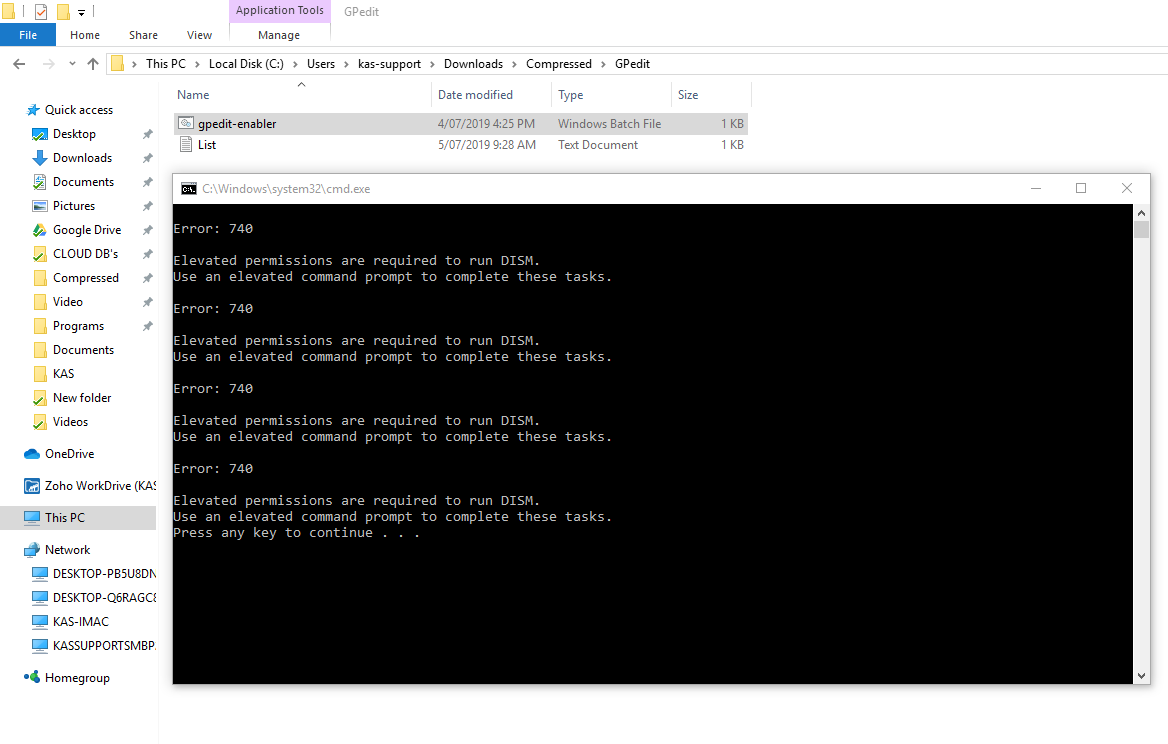
Open the downloaded folder and double click on "gpedit-enabler" and follow the prompt

Step # 3

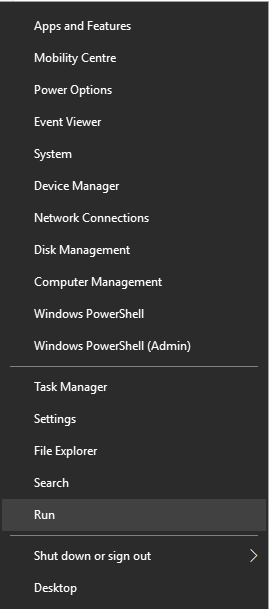
Now right Click on windows icon and click "Run"

Step # 4

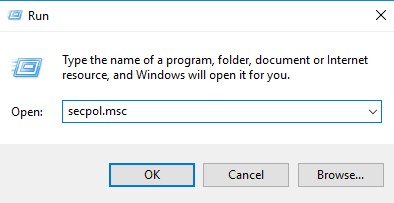
Type "secpol.msc" and press ok

Step # 5

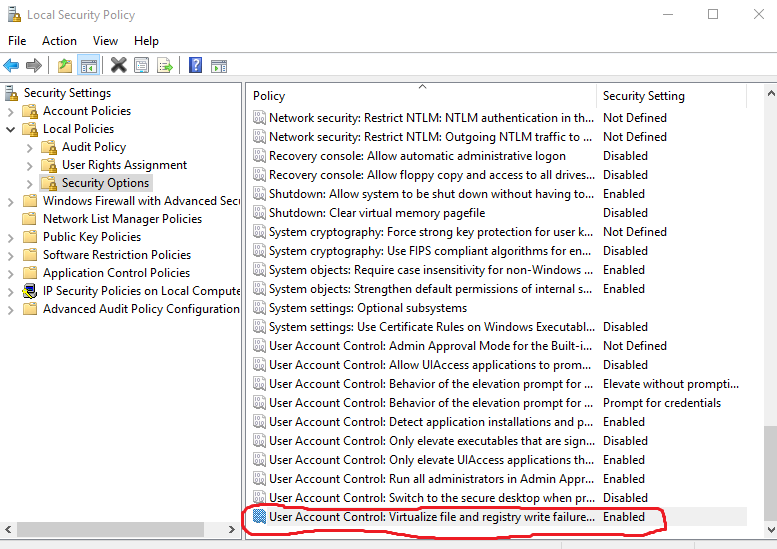
On the left pane click Local policies and then click on Security Options and scroll all the way down until you see the marked area in the image below. 
Step # 6

Double click on it to open a dialogue box
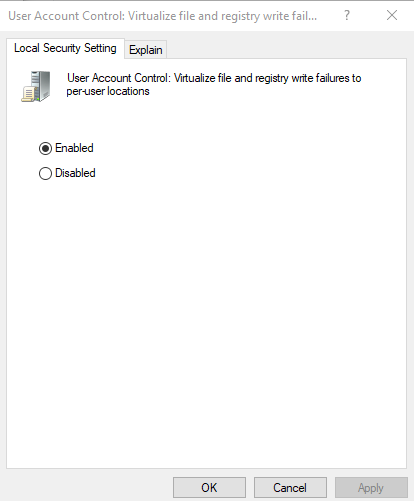
Step # 7

Tick the Disabled and click OK
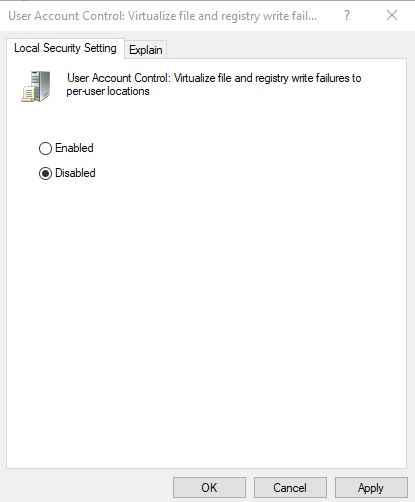
Step # 8

Restart your computer in order to make the changes effect.

Related articles

29 Jun 20262 min read

PDA – User Manual

(PDA) MANUAL The following pictures are the basic configurations of our handset: Data line------------------------------------------------1 piece Touch pen----------------------------------------------1 piece ...