
Step # 1
Download the file Click Here
Step # 2
Open the downloaded folder and double click on "gpedit-enabler" and follow the prompt
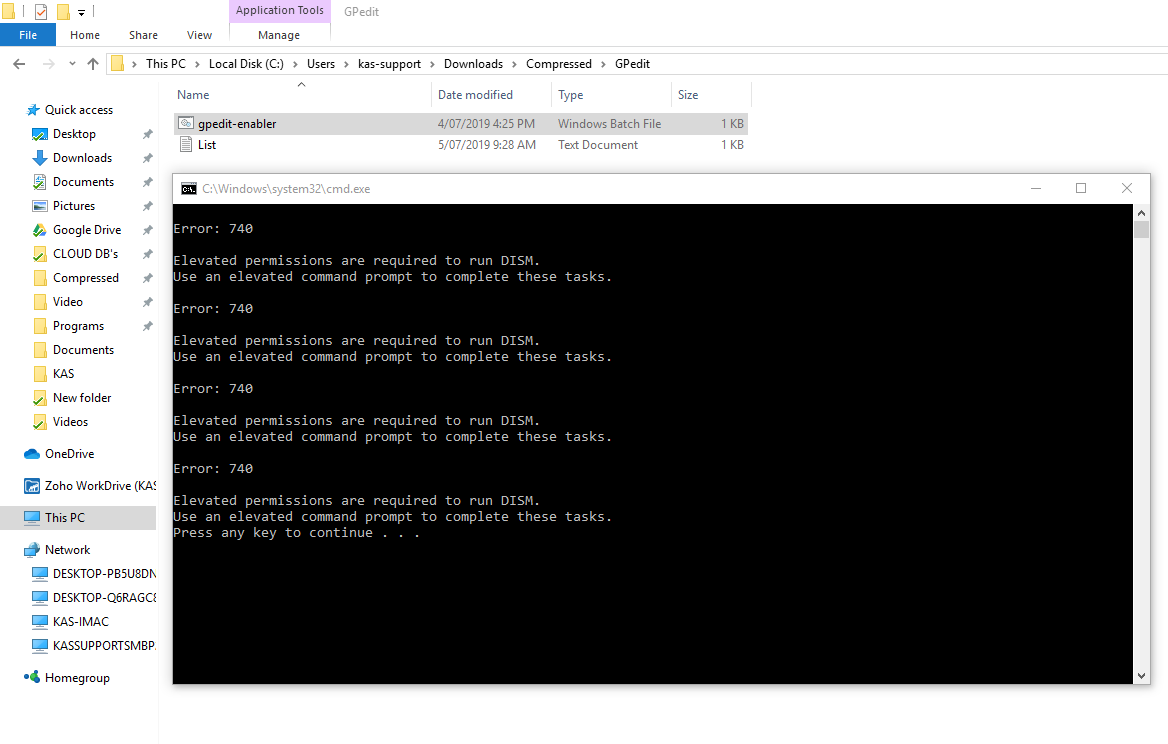
Step # 3
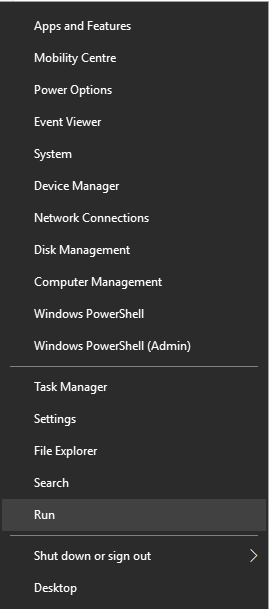
Now right Click on windows icon and click "Run"
Step # 4
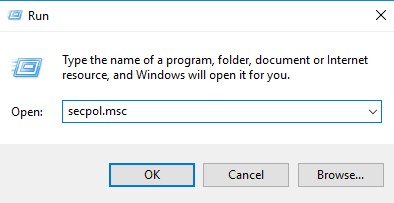
Type "secpol.msc" and press ok
Step # 5
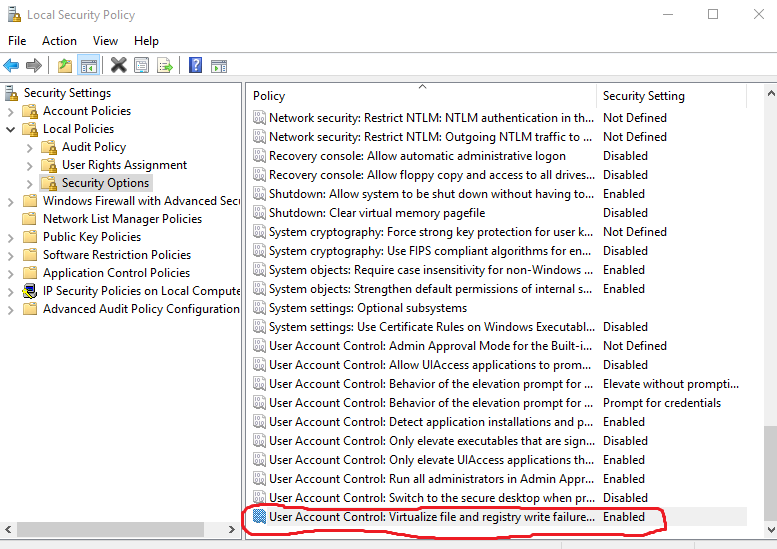
On the left pane click Local policies and then click on Security Options and scroll all the way down until you see the marked area in the image below.
Step # 6
Double click on it to open a dialogue box
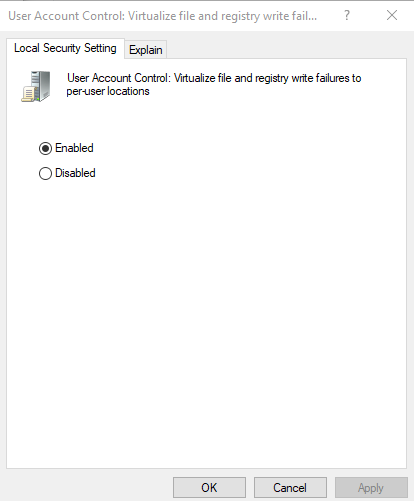
Step # 7
Tick the Disabled and click OK
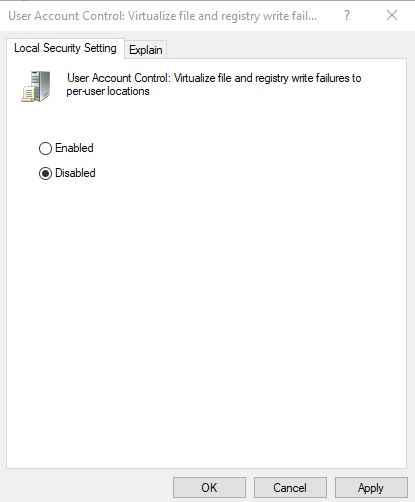
Step # 8
Restart your computer in order to make the changes effect.