Back to knowledgebase

ETouch Lock – How to change the Motor

Know your Handle orientation  Refer to the picture below and see if you have a left handle lock or a right handle lock                               LEFT                                          RIGHT Unscrewing unscrew the screws marked on the ...
Popular searches

Browse by area

Browse by product

Popular intents

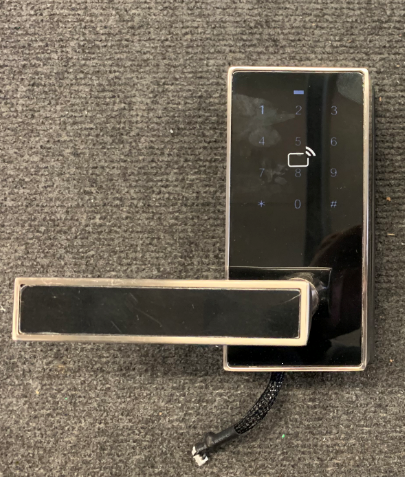
Know your Handle orientation 

Refer to the picture below and see if you have a left handle lock or a right handle lock
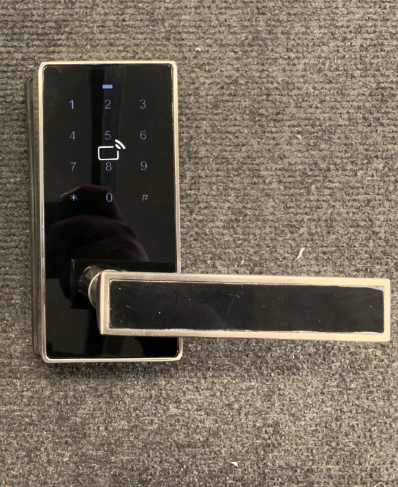


LEFT                                         
RIGHT

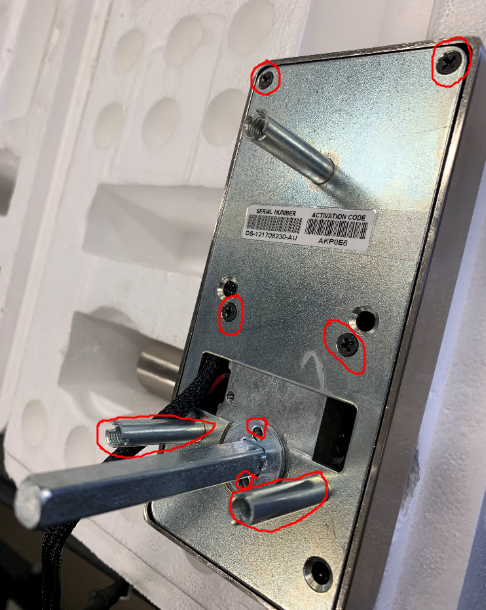
Unscrewing

unscrew the screws marked on the picture below.
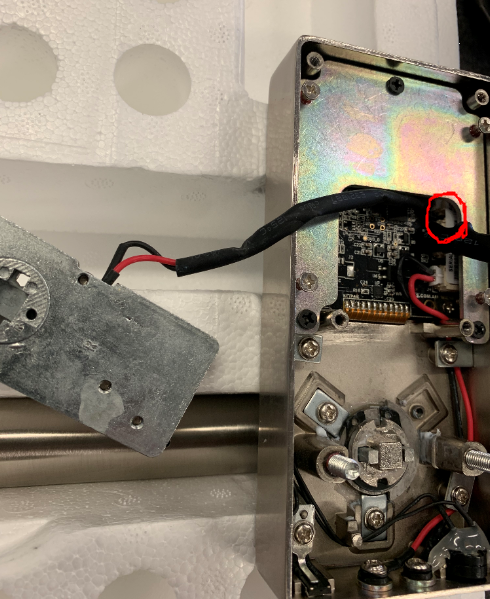
Unplug the Motor

Gently unplug the motor from the main PCB
Plug back the new Motor

Plug back the new motor into the same slot where you remove the old motor from.

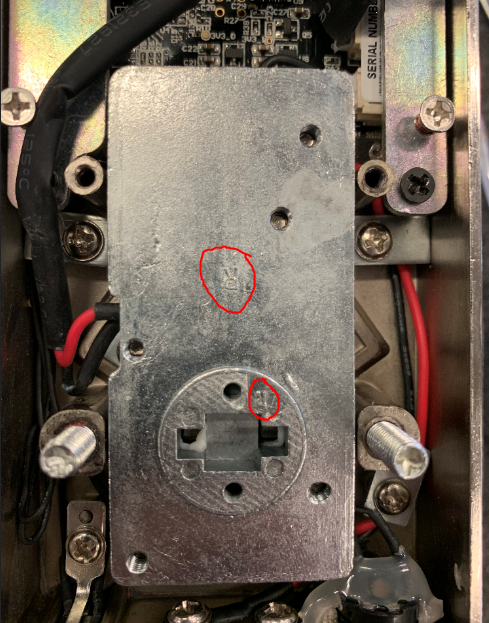
RIght or Left Motor

Similar to the handle orientation motor has 2 sides left and right. Put the motor back facing the R or L symbol if you have a right or left handle respectively ( See picture below)
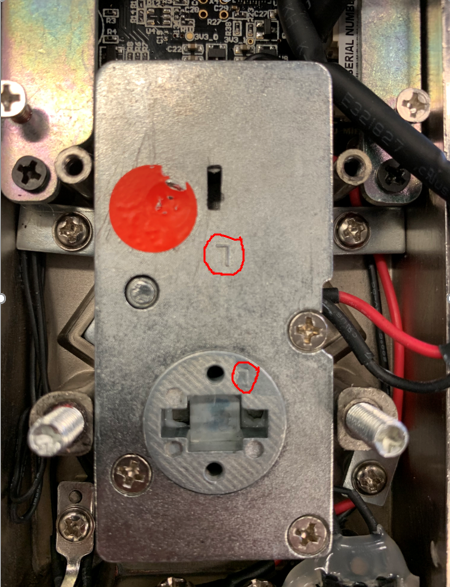


LEFT HANDLE                               
RIGHT HANDLE

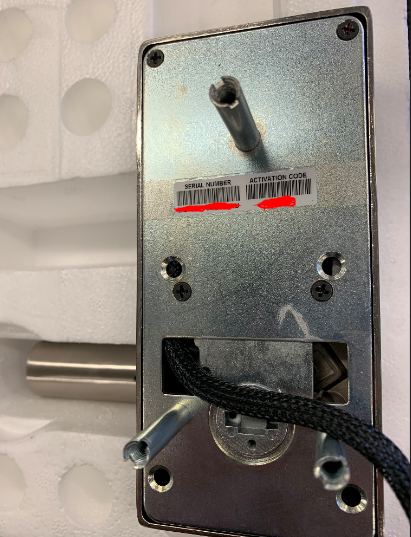
Screw back the back plate

Screw back all the screws to the back plate
  

Related articles

29 Jun 20262 min read

PDA – User Manual

(PDA) MANUAL The following pictures are the basic configurations of our handset: Data line------------------------------------------------1 piece Touch pen----------------------------------------------1 piece ...