Web Console


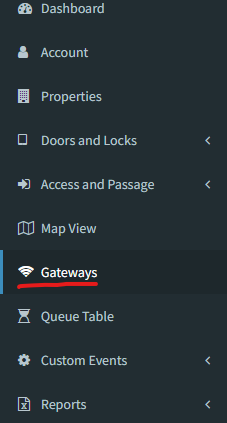
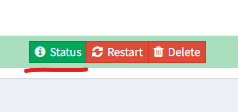
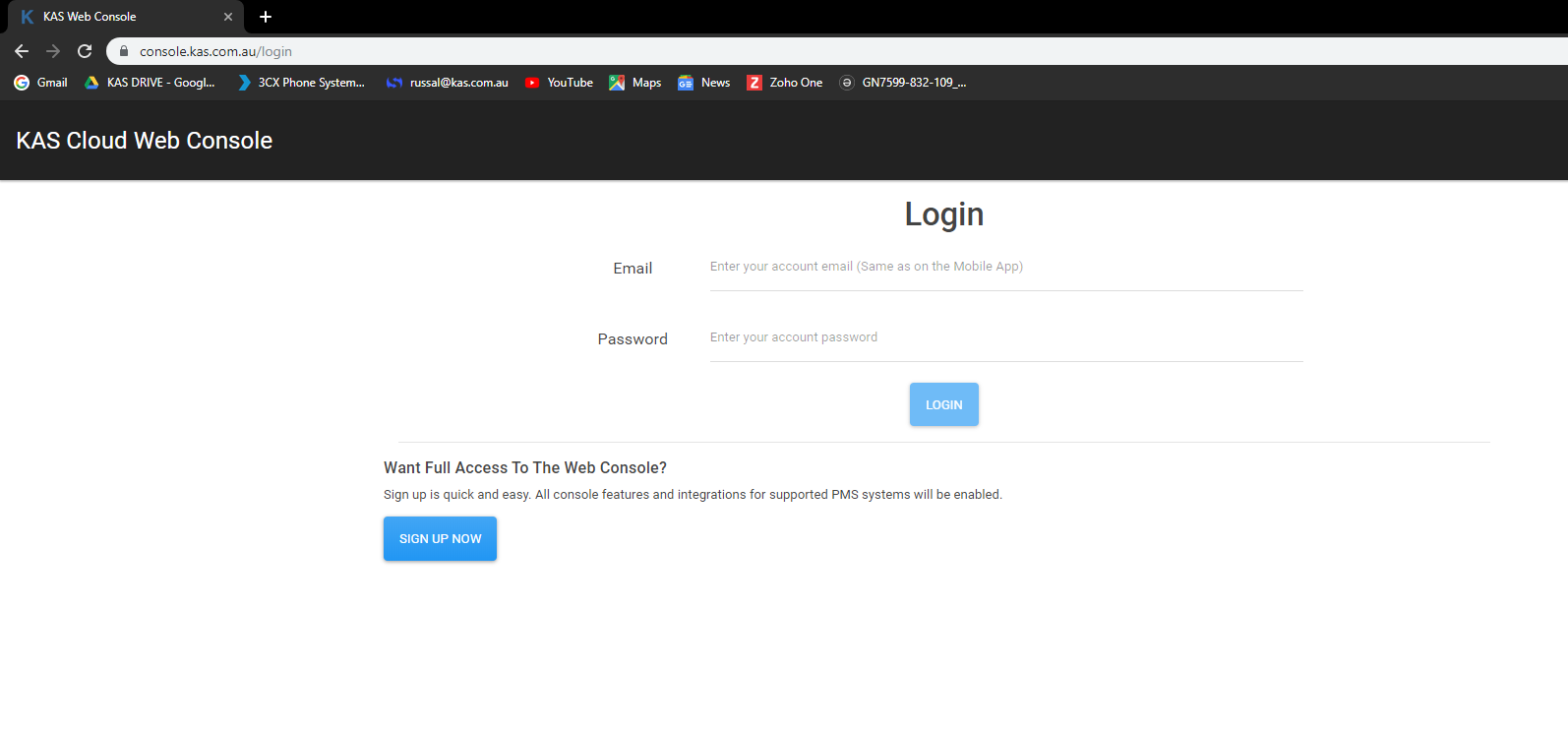
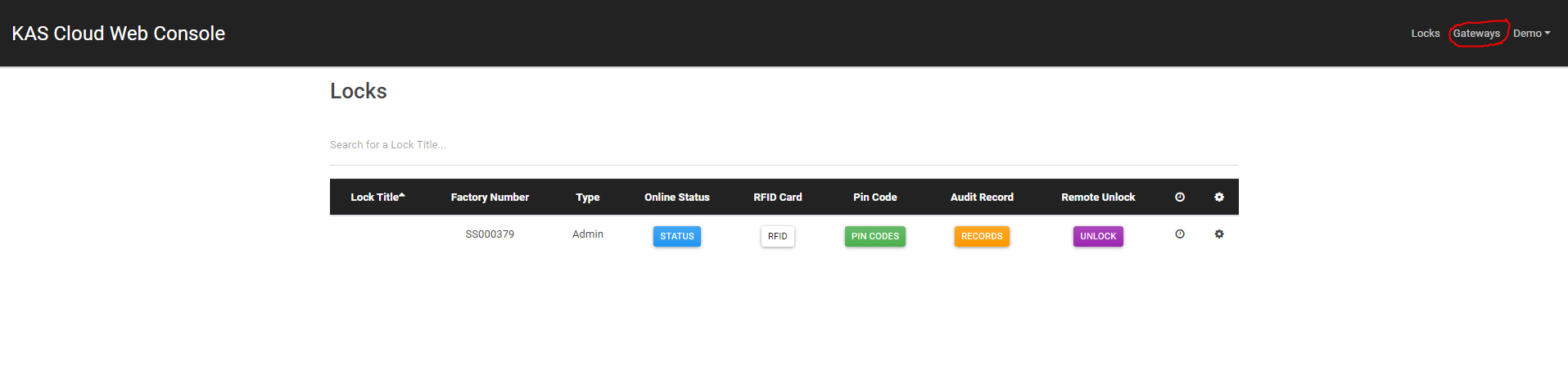
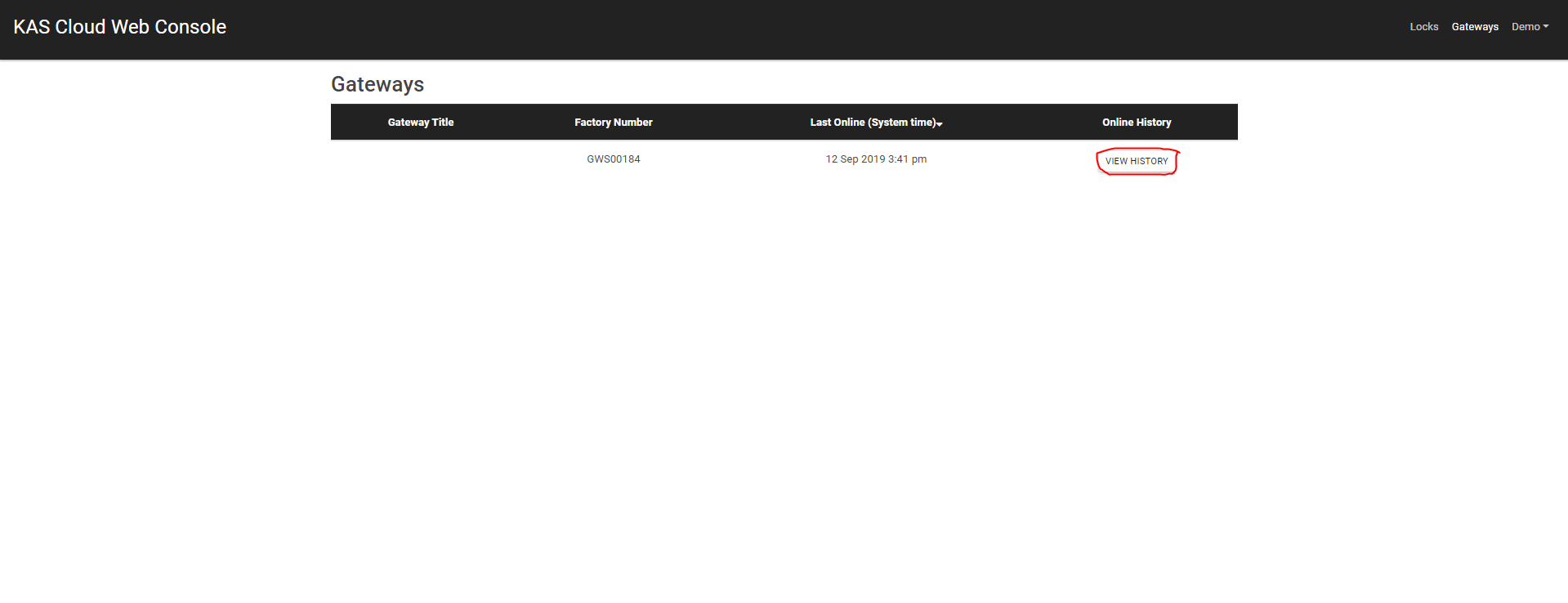
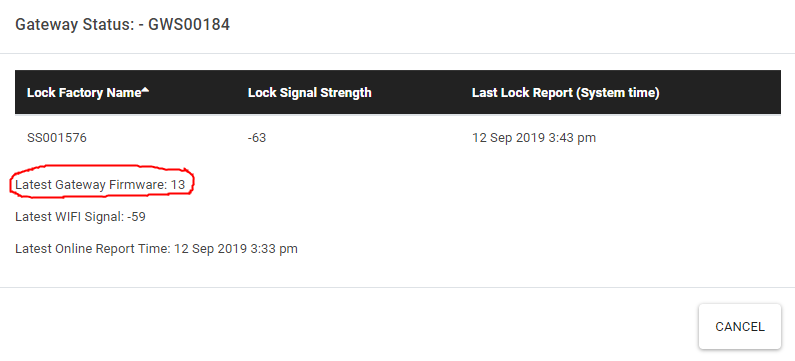
Web Console Click Here to sign in to your web console Enter your details and click login Now click on gateways Click on view history you will be able to see your gateway firmware version now KAS Access Click here to log into your KAS Access account. ...


Premise This documentation will explain how to schedule keys using the "Frequency" function in KAS Access It will allow you to have a key for a particular user active on a certain schedule. Examples: Example 1: "MaintenanceUser" needs access to ...
Premise Once you're ready to integrate your RMS account with KAS Access, you will need your RMS "Custom Field Name" in order to be able to receive PINs back from KAS (if you wish). This means that once a PIN is generated, it will be sent back to the ...
Preface This is a full user guide for local management and lock/ACR functionality customization. When using the mobile app or the web interface, please refer to KAS Access or Web Console A PDF copy of this guide is available as an attachment at the ...