
Back to knowledgebase

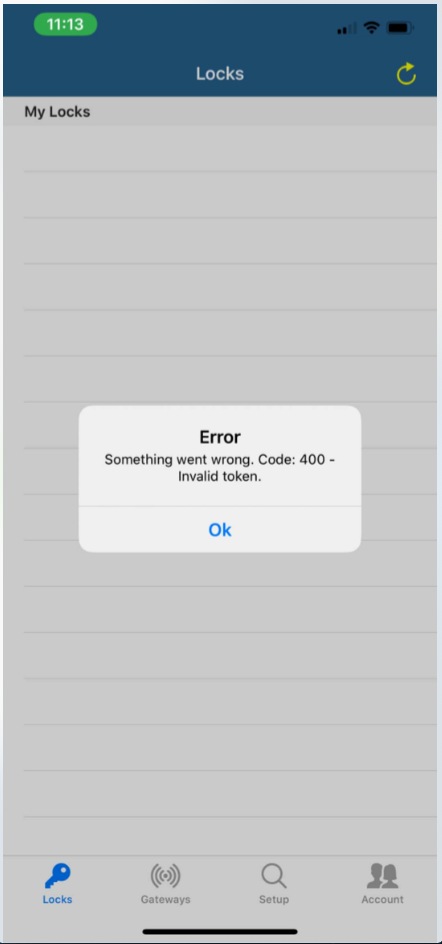
KAS Cloud Web Console – Error “Something went wrong. Code: 400-Invalid token”

This message is a validation error. Solution If you are receiving this error message, please try the following. Force close the app. Reopen the app. If the message still appears please try restarting your phone. Open the app. If the message still ...

This message is a validation error.

Solution

If you are receiving this error message, please try the following.
  1. Force close the app.
  2. Reopen the app.
  3. If the message still appears please try restarting your phone.
  4. Open the app.
If the message still appears, please email at support@kas.com.au

Related articles

24 Dec 20201 min read

KAS Cloud App – Extending Guest Mobile Key

 Please Note:  There is no editing option to the mobile keys in the mobile App, In order to extend the mobile key you would need to delete the previous key first and then you would need to send the mobile key again with the new check in and check out ...

7 Oct 20203 min read

KAS Cloud Web Console – User Guide

Setup and Configuration To access the KAS Cloud Web Console you need to have the app and set up the hardware. (Skip if completed) Click here if you have not done this already Using the KAS Cloud Web console requires gateways Login Page Click on the ...